We have released a beta version of the redesigned Codeks Mobility mobile application, featuring an updated look and improvements to the user interface.
As this is a beta version, the application may still undergo minor changes in upcoming updates. Beta testing will take place throughout April, with the final version expected to be available in May.
What’s new in this version
- Migration to the new MAUI platform.
- Updated application design
- Application sections are now accessible from the left-side menu.
- On the Announce Absence page, leave counters are now visible, allowing users to easily check their remaining leave balance.
- New user interface for the T&A Registration statistics page, optimized for mobile devices (currently in beta and will be functionally expanded).
Additional information
Codeks Mobility has been migrated to the new Microsoft MAUI platform in combination with .NET 10, enabling continued development of the application, as Microsoft has discontinued the previous Xamarin platform.
The application supports Codeks versions from 2023 onwards.
A public beta version is available for testing on Google Play and the Apple App Store, already supporting most functionalities. We are currently finalizing the user interface for time & attendance and reservations, which will be included in upcoming releases.
Warning
The application is being tested on various phone models with newer Android versions, and we aim to ensure the widest possible compatibility, including older devices. However, full functionality cannot be guaranteed on certain older Android systems due to factors beyond our control.
For example, older Android systems (below Android 10) may have expired root certificates, which are part of every Android operating system. These certificates can change or expire with system updates. On older Android versions (e.g., Android 14 or earlier), some certificates may already be expired, and in certain cases, manual updates are required. These updates must be performed by the user at their own responsibility.
——————————————————————————————————————–
Join us in testing the BETA version
We invite you to join us in testing the beta version of the application and help us improve the user experience with your feedback.
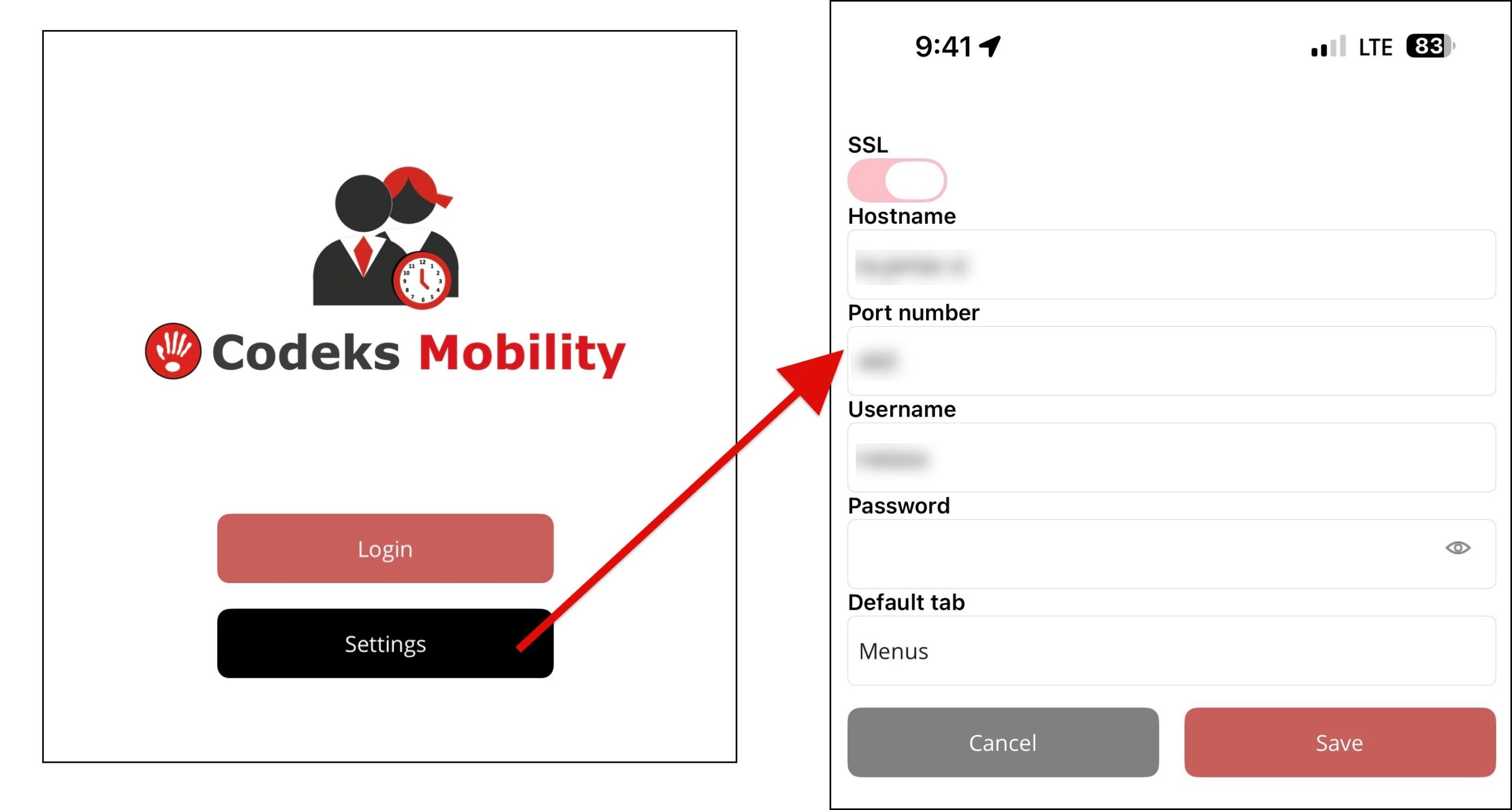
IMPORTANT! Before installing the beta version, please make sure to note your login settings, as you will need to re-enter them after installation.
Android (Google Play)
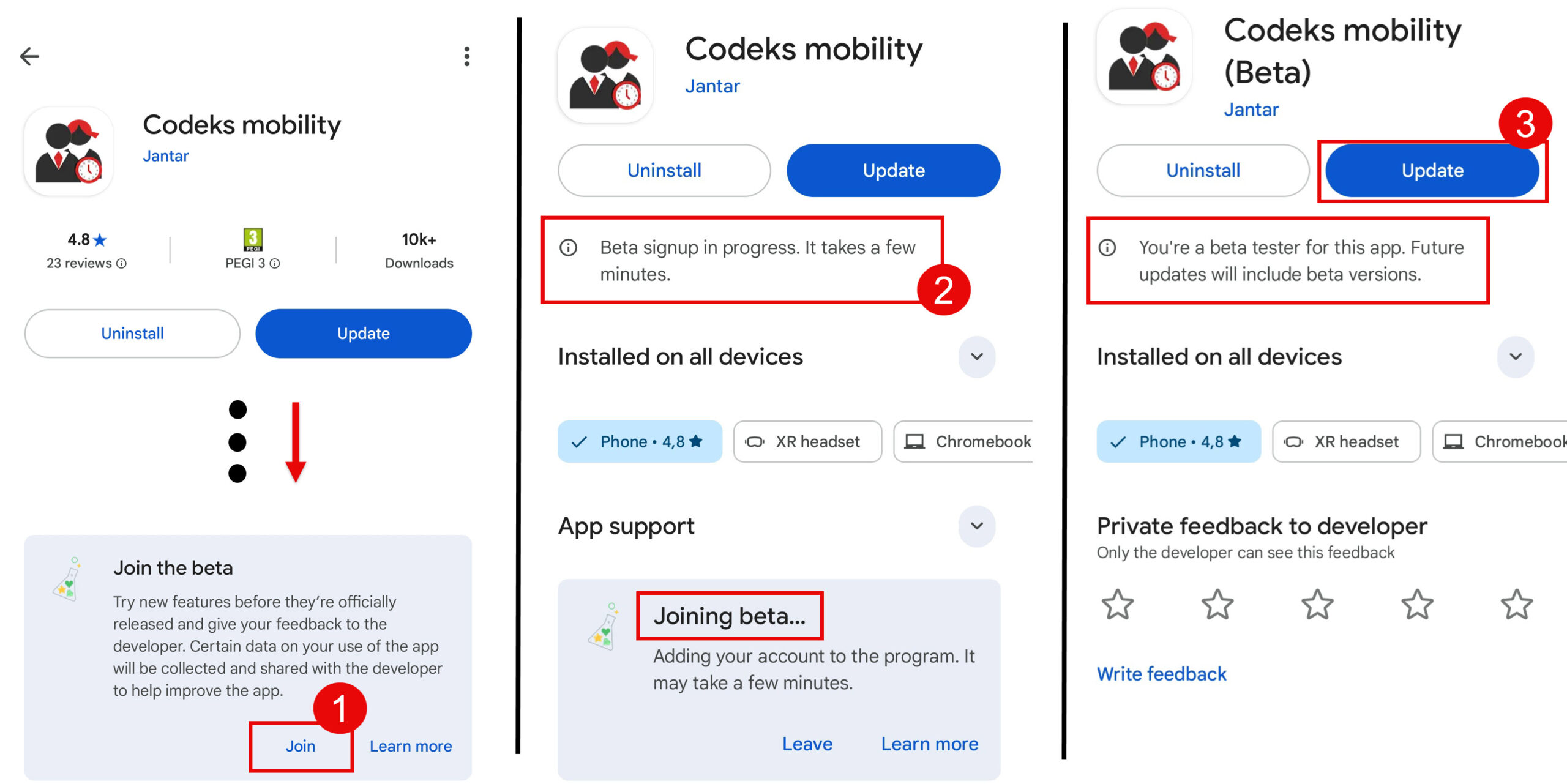
If you are using an Android device, you can join the beta testing via Google Play.
In the Google Play Store, enter the name of the application in the search bar and open it.
- On the app page, scroll down to the section Join the beta and click Join.
- Wait for the registration to complete. During this time, you can leave Google Play and return after a few minutes.
- Once the registration is complete and you become a beta tester, click Update.
iOS (Apple)
If you are using an iOS device (Apple), you can join the beta testing via the App Store.
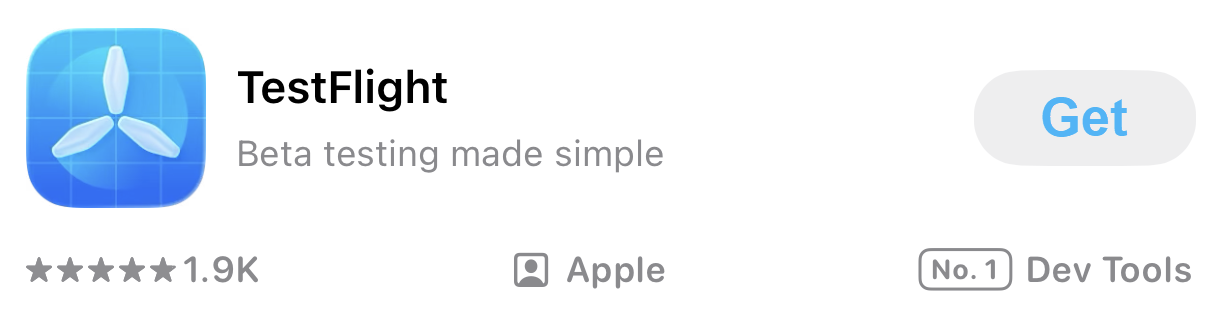
1. To use the beta version, you must first install the TestFlight application from the App Store.
2. After installation, click the following link https://testflight.apple.com/join/aS1sgbLE, which will allow you to download and use the beta version of the Mobility application within TestFlight.
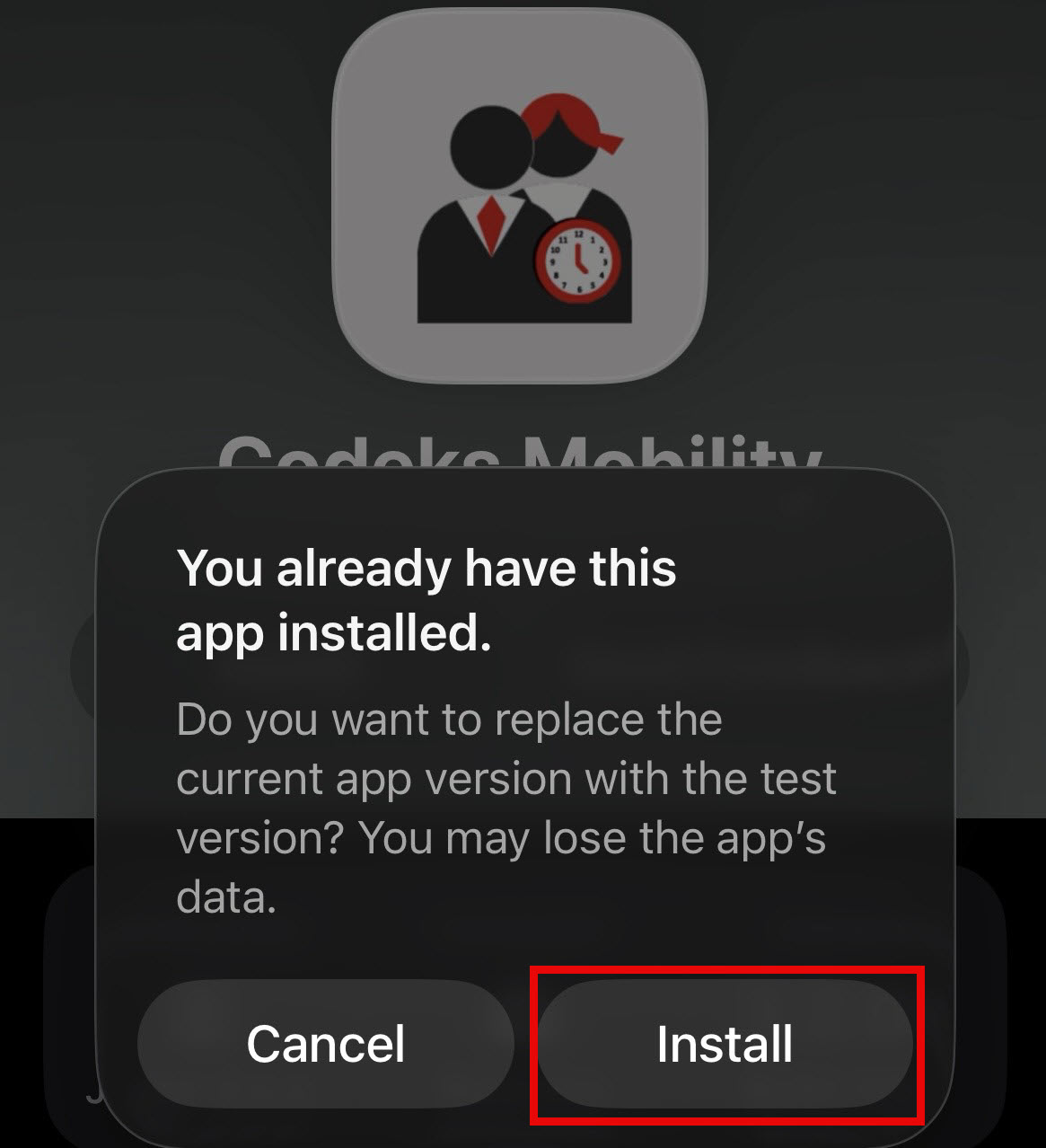
3. After clicking the link, a window will open where you confirm the installation of the beta version by clicking Install.